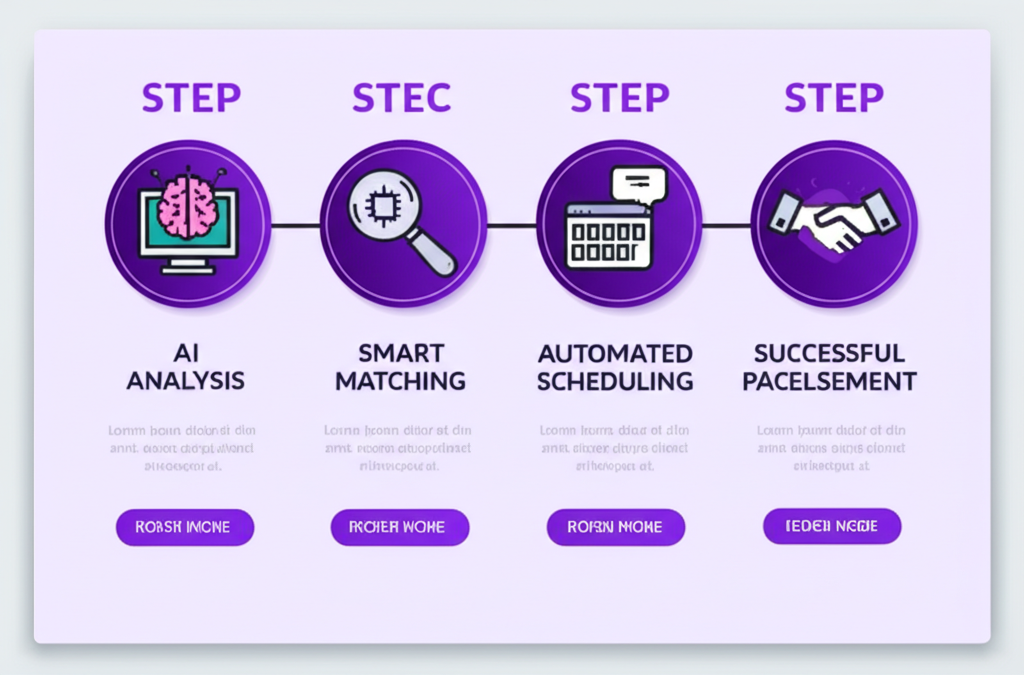
Auto Apply is the fastest step in Enlistar. It is not the only step that has to be true. If you submit a form from a stale profile, generate a CV for a different title, then practice generic interview questions, you have used four features and still told four slightly different stories.
This article is about keeping one job consistent from apply to interview — which is what the product is built to do when you stay on the same application record.
Start from one profile
Onboarding fills the profile from your CV. That profile feeds Auto Apply, the Chrome extension, and the generator for resumes and cover letters. Edit the source, not twenty PDFs. When Auto Apply sends work history, it should be the history you would defend on a call.
Match the document to the listing
Generate a resume and cover letter for the job, the company, and your experience. Preview, edit, download a PDF. Use that file on extension applications, Quick Mail, and jobs you create in the dashboard. Auto Apply is faster when the upload field gets a CV that already uses the posting’s language — honestly, not as keyword stuffing.
Apply on the correct path
Form on Enlistar Job Openings: Auto Apply, notification, tracker. Form on LinkedIn or Greenhouse: extension, review, submit, tracker. No form: Quick Mail through Gmail, tracker. Three doors, one hallway.
Prep the job you submitted
Interview prep is tied to an application, not a blank question bank. Enlistar generates behavioral, technical, situational, and background questions for that role. You ask follow-ups in the same workspace without re-entering company or title. Read the CV you actually sent before you practice. Interviewers will.
On the call, stay on that same job
The meeting notes taker listens, captures notes, and shows realtime answers on your screen using the job you applied for and your profile. Glance, then look back at the interviewer. The point is to answer the question that was asked, for this role — the same role Auto Apply already put in tracking.
Why this is “AI” without being vague
The AI in Enlistar is not a chatbot you paste a job description into once a week. It is extraction at onboarding, fill on forms, tailored CVs, questions for a stored application, and notes on a live call. Auto Apply is the hinge: it creates the application the rest of the tools attach to. Use it on jobs you mean, keep the record, and let every later feature read from that job instead of starting over.