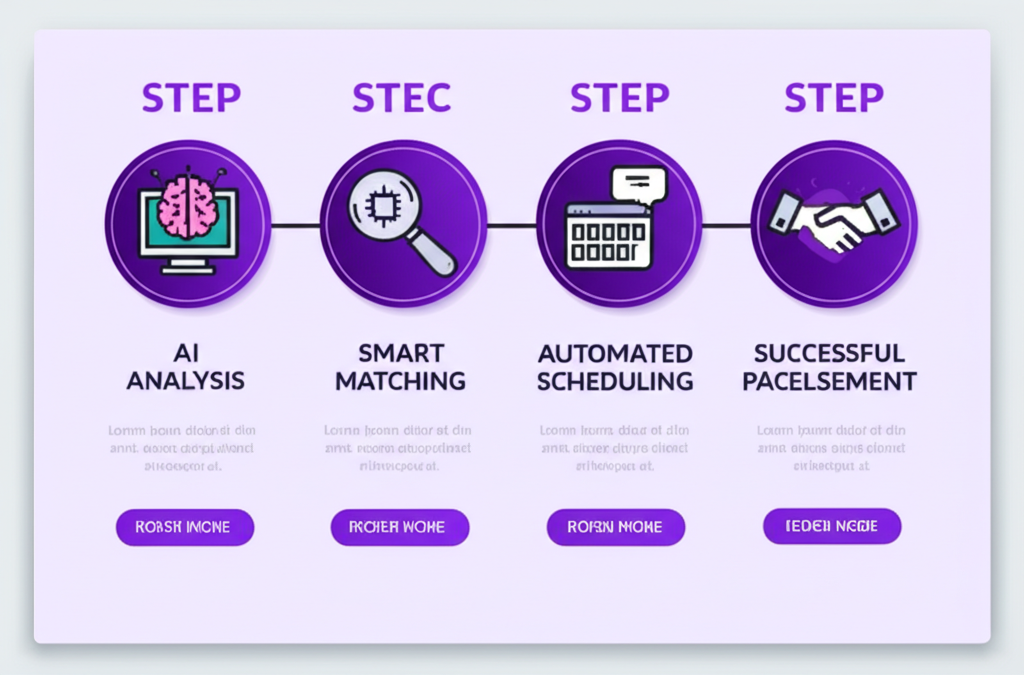
Auto Apply is the feature most people mean when they say they want to apply faster. On Enlistar it is not a spray of anonymous resumes. It is a button on a job you already chose: you read the posting, you tap Auto Apply, Enlistar submits the application, and you get notified when it is in.
This guide covers the full path — from a listing on the job board to a row in tracking — so you know what to expect before you use it on a role you care about.
Where Auto Apply lives
Auto Apply works on Enlistar Job Openings. You browse and search roles in one place, filter by location, type, and company, then open a posting and read the full description. If that listing has a form path, Auto Apply is available. If the path is email, use Quick Mail instead. Matching the method to the job is part of applying well.
It works on Global openings and Nigerian openings. The product does not treat those as two different products. The same profile, the same tracker, and the same review habit apply to both.
What happens when you tap Auto Apply
- You have already opened a role you want. You are not applying blind from a bulk list.
- Enlistar uses your saved profile — the one you confirmed after onboarding — to complete the application.
- The application is submitted for that listing.
- You get notified when it is in.
- The application is saved to tracking so you can follow up from one place.
That last step is easy to underestimate. If Auto Apply only submitted and never stored the record, you would be back to screenshots and memory. Tracking is part of Auto Apply, not an optional extra.
What Auto Apply is not
It is not permission to skip reading the job. A role that needs a visa you do not have, a city you cannot move to, or a stack you have never used is still a bad apply, even if it takes two minutes.
It is not a replacement for the Chrome extension on third-party ATS pages. If you are already on LinkedIn, Greenhouse, or another site’s form, that is the extension path: detect fields, fill from your profile, review, submit on the site. Auto Apply on the job board is for openings you apply to from Enlistar. Both paths land in the same tracker.
It is not “set and forget 200 jobs overnight.” Volume without fit fills trackers with noise and trains you to ignore follow-up. Use Auto Apply to remove the 15–20 minutes of form work from jobs you would have applied to anyway.
Prepare once so Auto Apply stays accurate
Auto Apply is only as good as the profile behind it. After signup, onboarding is one upload: add your CV, Enlistar reads it, fields fill, you confirm and save. Check dates, titles, and contact details. If a form asks for work history and your profile is missing a job, the application will be missing it too.
Keep a current CV in the account. Many listings still upload a file even when the form already captured the same facts. The file should match what Auto Apply is sending.
A weekly Auto Apply habit that holds up
- Search Job Openings with filters you actually want (location, type, company).
- Open the posting. If the role is wrong, skip it. Auto Apply does not fix a bad match.
- Tap Auto Apply. Wait for the notification that it is submitted.
- Open tracking the same day. Confirm the row exists. Status should start at Submitted.
- When you hear back, change the status. Interview tools for that job live on the same record.
If a listing has no form, do not force Auto Apply. Enter company, title, and description in Quick Mail, preview the email and CV, send via Gmail, and let that send sit next to your form applies in tracking.
How you know it worked
You should be able to answer three questions without digging through email: which company, which title, and when it went in. If tracking shows the application, Auto Apply did its job. If you cannot find the record, treat that as a problem to fix before you apply to the next role — not as a reason to apply faster.
Used this way, Auto Apply is the shortest path from “I want this job on Enlistar” to “it is in, and I can follow up.” That is the whole feature.