Most interview prep starts in the wrong place. People open a list of “50 common questions” and practice answers that could belong to any company. Then they walk into a conversation about a specific product, team, and posting — and the generic answers sound like they belong to someone else.
Better prep starts from the application you already submitted. You already told that company why you fit. Interview questions should test that story, not a random bank.
Use the job as the source of questions
A posting that emphasizes stakeholder management will produce different questions than one that emphasizes SQL or on-call work. The company name, title, and description are enough to generate a useful set:
- Behavioral: times you handled conflict, missed deadlines, or led without authority — framed around this team’s work.
- Technical: tools and problems named in the posting, not every topic you have ever studied.
- Situational: “What would you do if…” scenarios that match how this role actually spends the week.
- Background: walk-throughs of the jobs on your CV that are most relevant here.
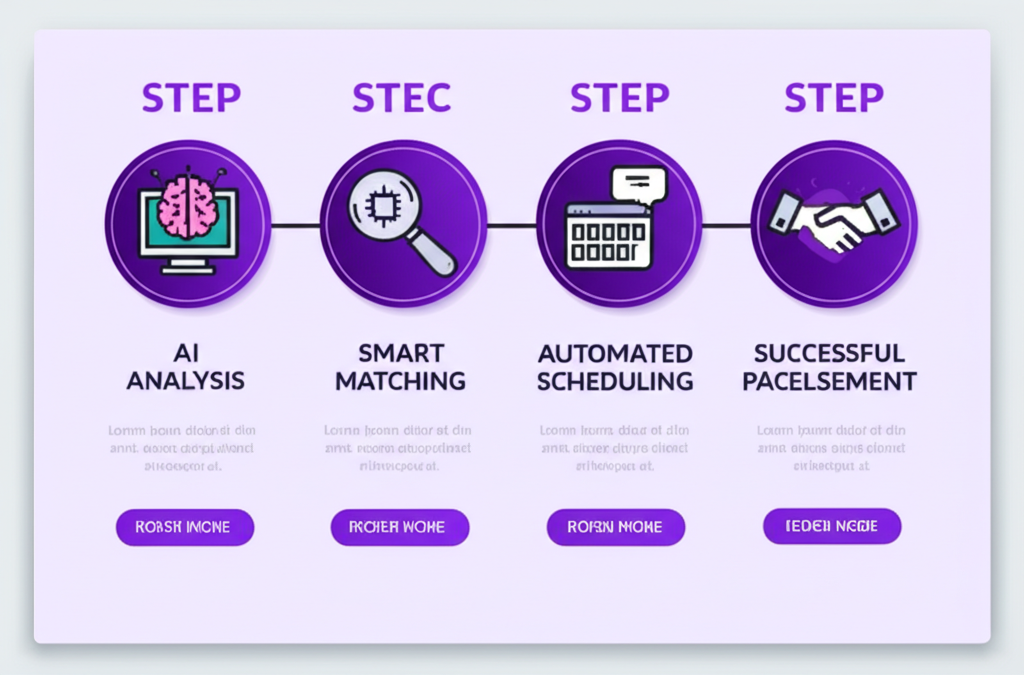
Enlistar interview prep is tied to a job you already applied for. It generates likely questions and answer guidance for that role. You can ask follow-ups in the same workspace without re-entering the company or title.
How to practice answers without sounding scripted
Write bullets, not speeches. For each likely question, note:
- The situation in one sentence.
- What you did (verbs and decisions).
- The result, with a number if you have one.
- Why it matters for this job.
Say the answer out loud once. If it takes more than two minutes, cut it. Interviewers interrupt. A tight story is easier to recover than a memorized paragraph.
Connect prep to the CV you sent
They will ask about what is on the document they have, not the master CV on your laptop. Open the application record. Read the CV and cover letter you actually submitted. Prep stories that match those bullets. If a generated question points at a skill you stretched, either tighten the story or be ready to speak honestly about the adjacent work you have done.
The day before
- Re-read the posting and your notes on the company.
- Pick five stories that cover teamwork, a hard problem, a mistake, a win, and why this role.
- Prepare two or three questions for them that are specific (team, success in six months, how this role works with another function).
You cannot predict every question. You can walk in having already thought about this job, not “interviews in general.” That is the advantage of prep that sits on top of the application instead of in a separate app with no context.