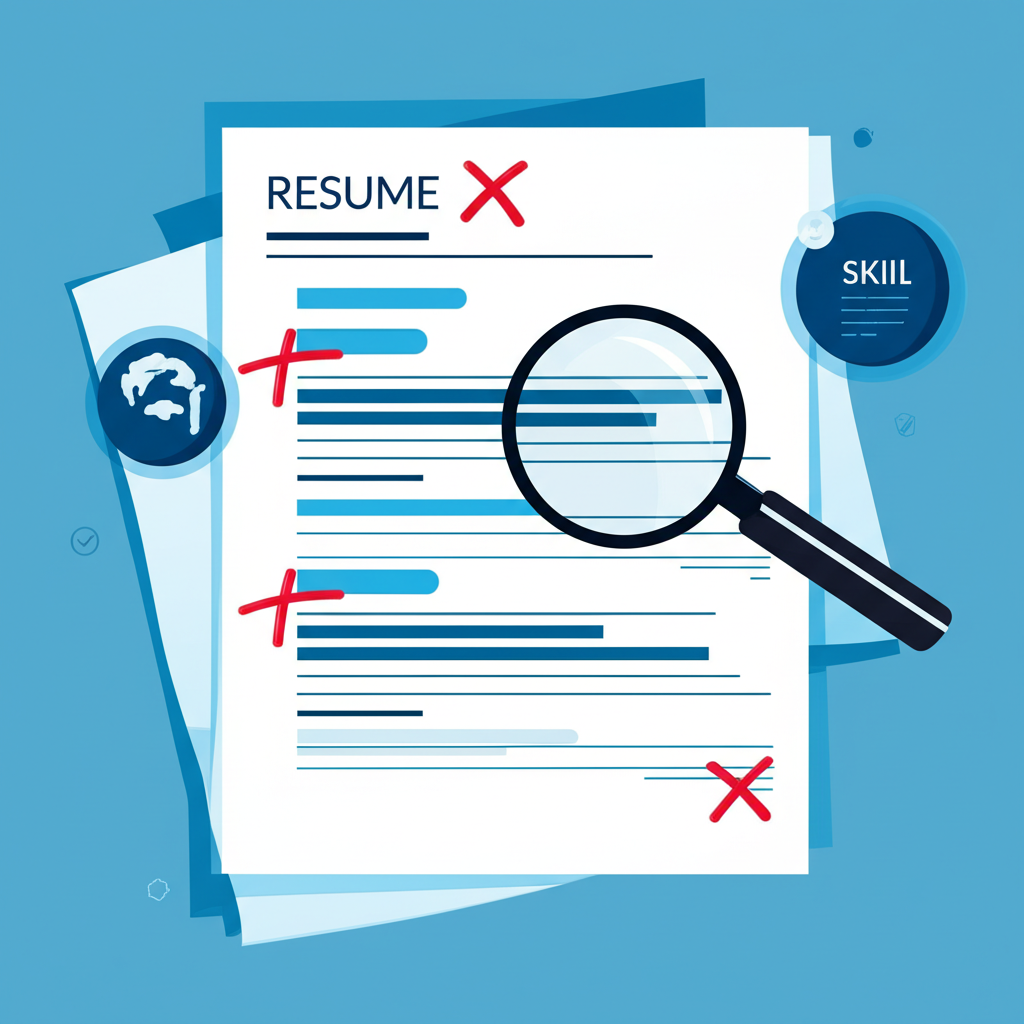
Hiring teams do not read your career in full on the first pass. They scan for proof that you can do this job, at this company, with the skills named in the posting. A single master CV that you send everywhere makes that scan harder, because the strongest evidence is often buried under older or unrelated work.
Tailoring does not mean inventing experience. It means choosing what to emphasize, which tools to name, and how to describe results so they line up with the role.
What “matched to the job” actually looks like
Compare a posting that asks for stakeholder communication, SQL, and dashboard reporting with a CV that leads with “hardworking team player.” The second document may be true and still fail the scan. A matched CV would:
- Open with a short summary that names the role type and the main skills from the posting.
- Reorder bullets so the most relevant results sit at the top of each job.
- Use the same terms the company used, when those terms are accurate for your work.
- Drop or shorten bullets that do not help this application.
The cover letter should do the same job in prose: why this company, why this title, and one or two proof points. It should not repeat the entire CV.
Why people skip tailoring
Rewriting a resume by hand for every application is exhausting. That is why many job seekers keep one PDF and hope keywords are close enough. ATS software and tired recruiters both reward documents that are easy to map to the posting. Time is the blocker, not knowledge.
Generate, then edit
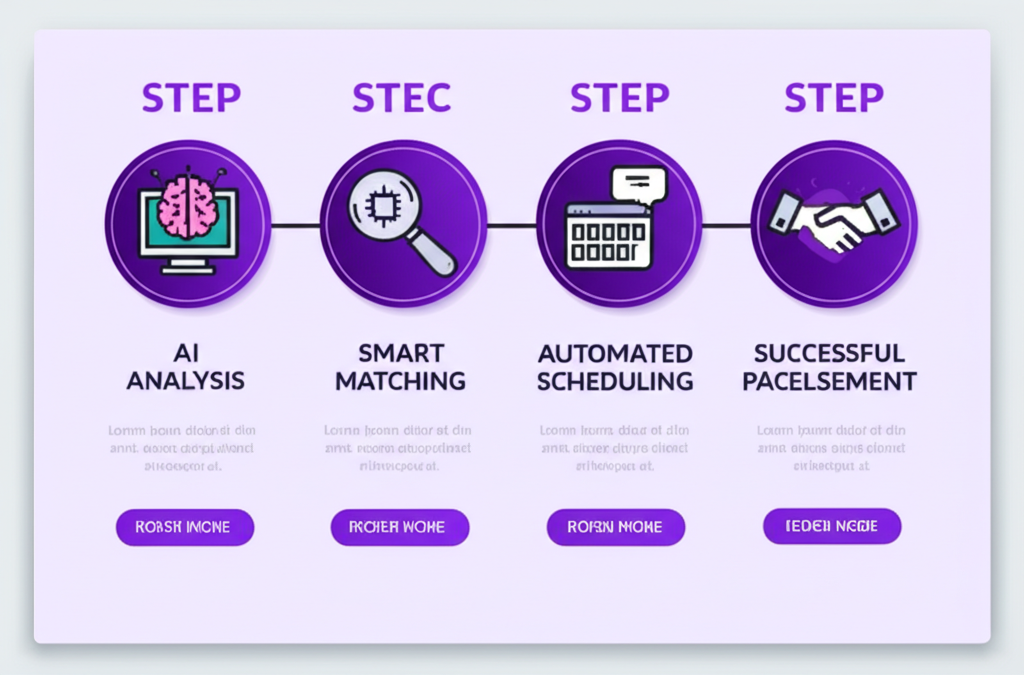
Enlistar generates a resume and cover letter from the job, the company, and your experience. You preview the files, edit anything that sounds unlike you, and download a PDF. The same materials work for extension applications, Quick Mail, and jobs you add in the dashboard.
Treat the first draft as a starting point. Check:
- Dates, titles, and company names are correct.
- Numbers and results are ones you can defend in an interview.
- The tone matches how you actually speak.
- The file is a clean PDF, not a screenshot of a Google Doc.
One profile, many documents
You should not maintain ten unrelated resumes. Keep one accurate profile — work history, education, skills — then produce a job-specific export when you apply. That is the same idea as a master CV, without sending the master CV as-is.
If a line in the generated CV is stronger than what you had written before, update your profile so the next export starts from better source material.
Cover letters that get read
Most cover letters fail because they are generic or too long. Aim for a few short paragraphs. Name the role. Connect one past project to one need in the posting. Close with availability. If the form does not ask for a letter, you can skip it unless the company culture clearly expects one.
Tailoring is not extra polish for people with spare evenings. It is how you make a 10-second scan land on the right evidence. Tools can draft the document. You still own the facts.